Is Arch-Pet free?
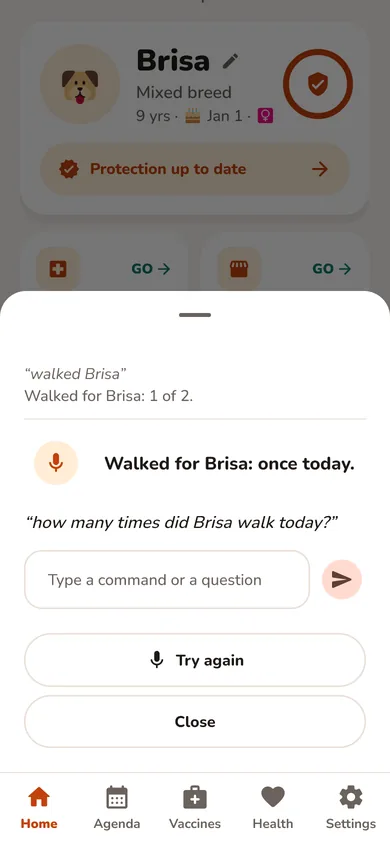
Yes. One pet, with the full health record, reminders, the daily checklist, the QR tag and lost-pet alerts, is free with no time limit and no ads. Pro adds unlimited pets, the time-savers (logging care by voice, importing vet records and reports ready for vet visits), full history and charts, the Assistant chat, photo ID and pet sitting. Every AI feature is part of Pro. Family adds a household to share your pets with up to 6 people.
Which pets can I add?
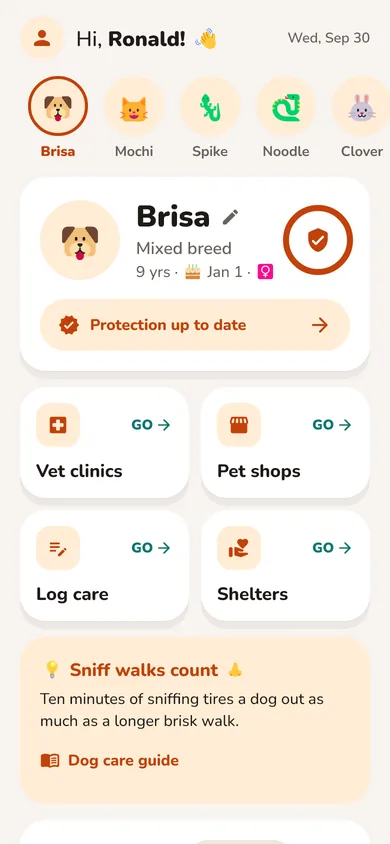
Dogs, cats, rabbits, guinea pigs, hamsters, gerbils, chinchillas, ferrets, parrots, chickens, horses, bearded dragons, leopard geckos, snakes, aquatic turtles, tortoises, frogs and toads, axolotls and aquarium fish: 19 species in all. Each species comes with its own checklist, reminders and care guide.
Does it work without internet?
Mostly. Once the app is open, you can keep logging care without a connection, and changes sync when you’re back online. Opening the web app for the first time, voice recognition and AI features need internet.
How does Arch-Pet use AI?
In four optional features, all part of Pro and Family and all through Google Gemini on our server: the Assistant chat (everyday care tips; health questions always go to your vet), the voice assistant (only requests it can’t understand on its own), identifying a pet from a photo, and reading vet documents. The free plan includes only one free vaccine card photo read for new accounts. We tell you before the first use, nothing changes your records without you, and Pro users can turn AI off in Settings (Use AI features), which turns off all four.
Who can see my data? Do you sell it?
We never sell your data and there are no ads. Your pets are visible to you and to the household members you invite. Imported vet documents are visible only to you. Data is stored on Google Firebase, protected by per-user security rules.
Can my family use it too?
Yes, with the Family Plan. Create a household and share the invite code with up to 6 people: everyone sees the same pets and checklist, and the activity log shows who did what. Joining is free. Plans stay personal: anyone who wants Pro features on their own account needs their own Pro.
How do I import my vet’s records?
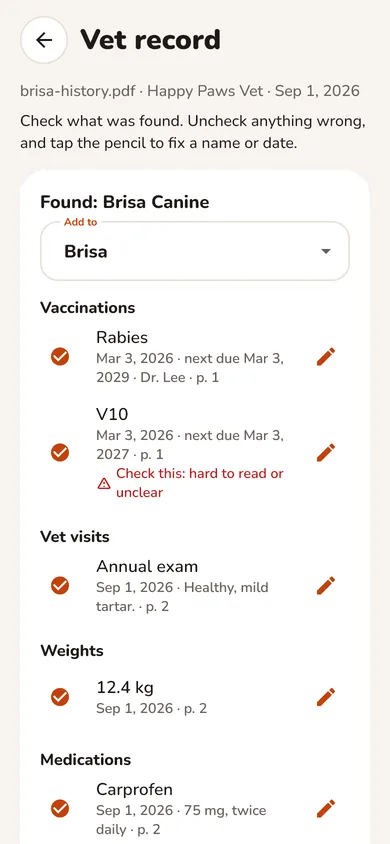
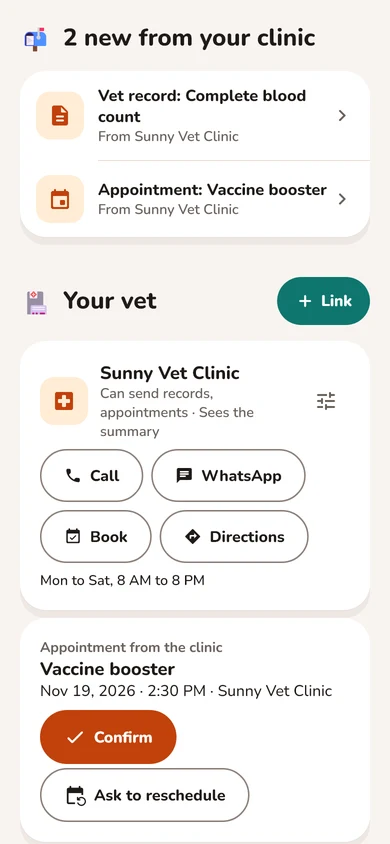
Ask your clinic for a PDF of your pet’s records or vaccination certificate (most clinics and their portals offer one), then go to Health → Vet records → Import. You check everything before it’s added, and you can undo an import.
How do I delete my data?
You can archive a pet, or delete it for good together with its records, photos and documents, from Settings → Archived pets. To delete your whole account, send us a message through the contact form and we’ll do it.
Where can I use Arch-Pet?
In any modern browser at arch-pet.com/app, on phones and computers, with the same account everywhere. If you already have the iPhone or Android app, it keeps working with your account.
How does pet sitting work?
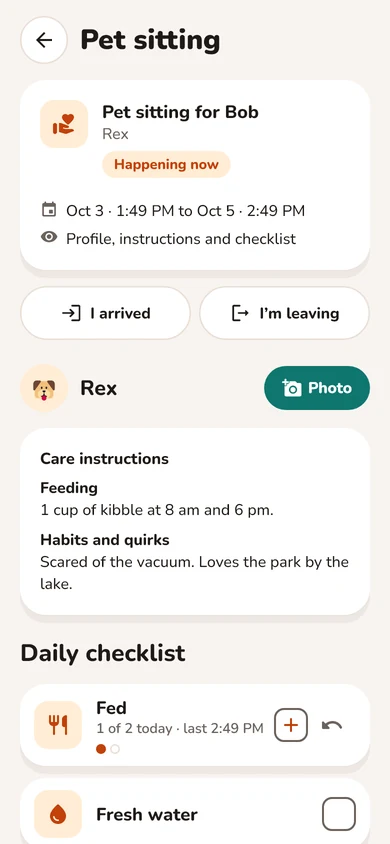
On Pro or Family, open Home and, at the end of your pet’s page, tap Pet sitting, Invite a pet sitter. Invite someone by email for the dates you choose. They accept with a free Arch-Pet account, see your care instructions and the daily checklist, and can log care and send photos while the sitting lasts. You decide what else they see, and their access ends on its own. Arch-Pet doesn’t find sitters for you: invite someone you already trust.
What is the pet ID tag?
Every pet gets a free QR code. Anyone who finds your pet scans it with their phone camera, no app needed, sees what you choose to share and can message you with their location. Print it at home or take the file to any engraver.
 Arch-Pet